COLD WAR SPACE PROGRAM
A downloadable game for Windows and Linux
Cold War Space Program
Build it. Launch it. Let physics decide.
╔══════════════════════════════════════════════╗
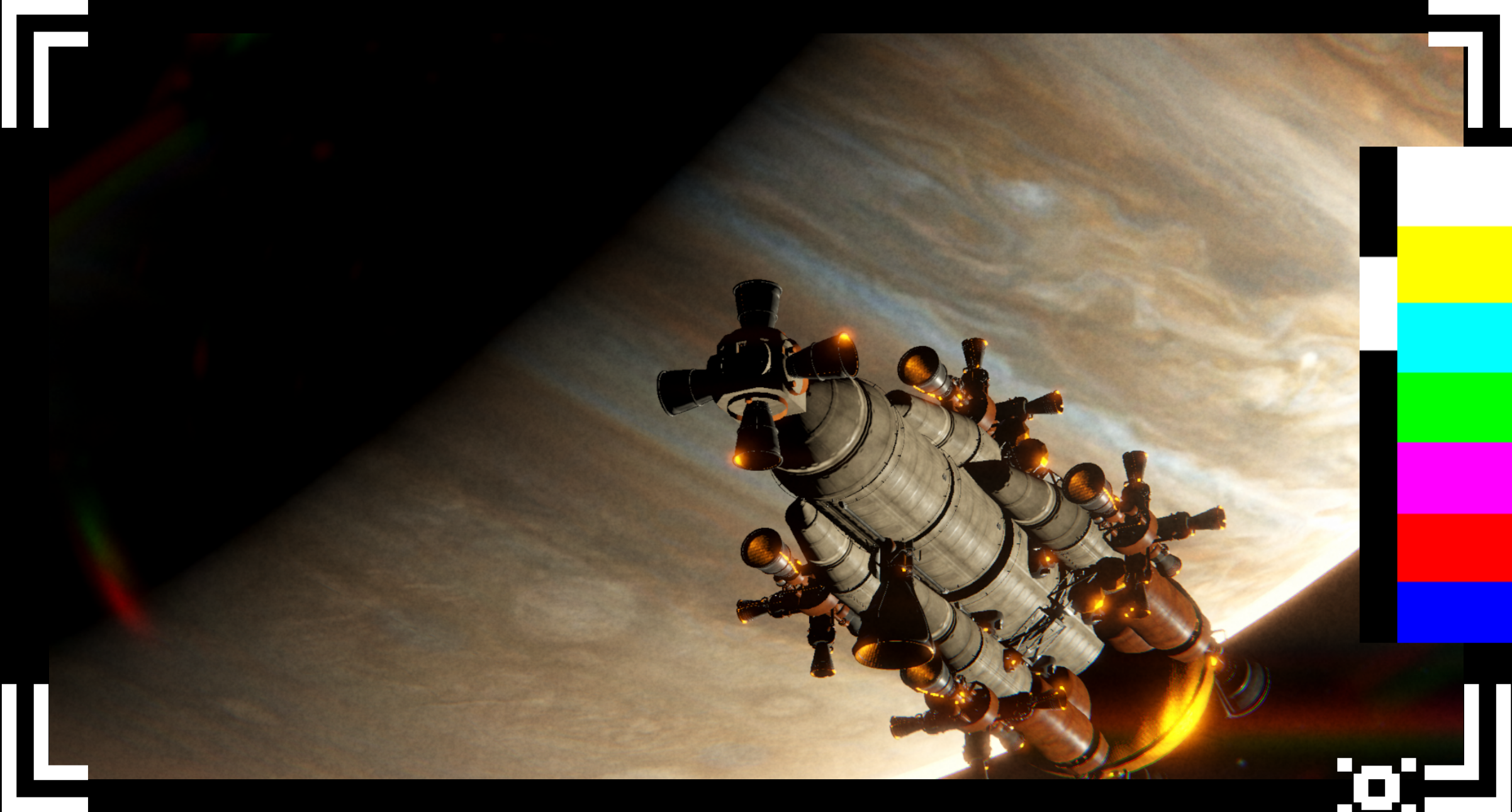
Cold War Space Program is a spacecraft construction and flight simulation game where engineering is everything. Every block has mass. Every thruster applies real torque. If your center of thrust doesn't align with your center of mass you are not flying.
There are no rails. No invisible correction systems. Just your design, the physics, and the VOID OF SPACE.
╚══════════════════════════════════════════════╝
╔══════════════════════════════════════════════╗
What Is This?
╔══════════════════════════════════════════════╗
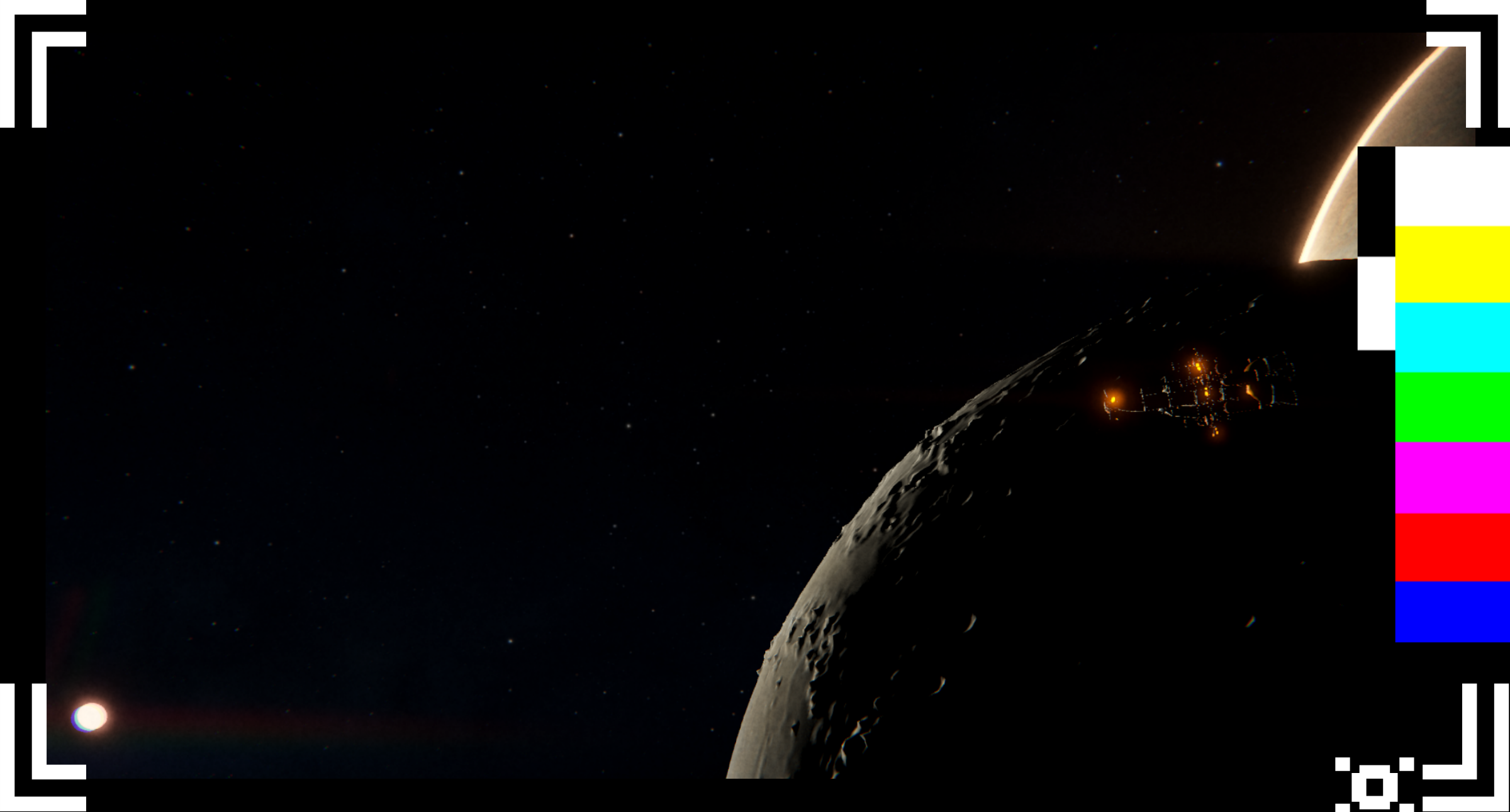
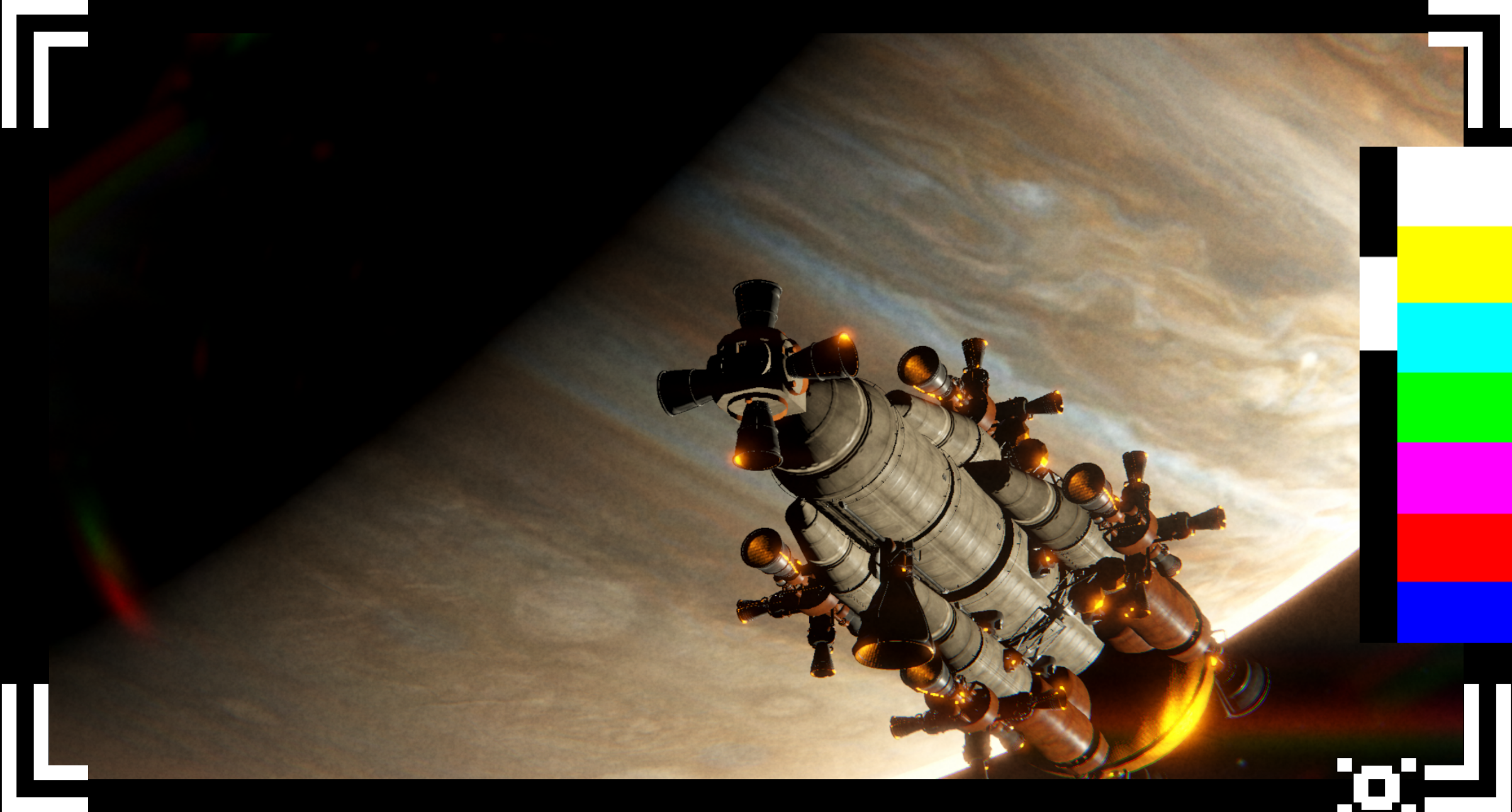
You design modular spacecraft part by part in a Vehicle Assembly Building, then take them to a living solar system and fly them for real. Planets orbit at real scales. Asteroids drift in fields millions of kilometers from origin. A custom World Rebase system maintains floating-point precision across the entire solar system , the same mathematical problem real space agencies had to solve.
Every failure is a physics lesson. Every successful launch is proof that complexity, mastered, becomes elegance.
╚══════════════════════════════════════════════╝
╔══════════════════════════════════════════════╗
Features
- Physics-accurate construction — Every block contributes mass. Thrust is a force vector. Torque is T = r × F. Your ship behaves exactly as the equations dictate, nothing more, nothing less.
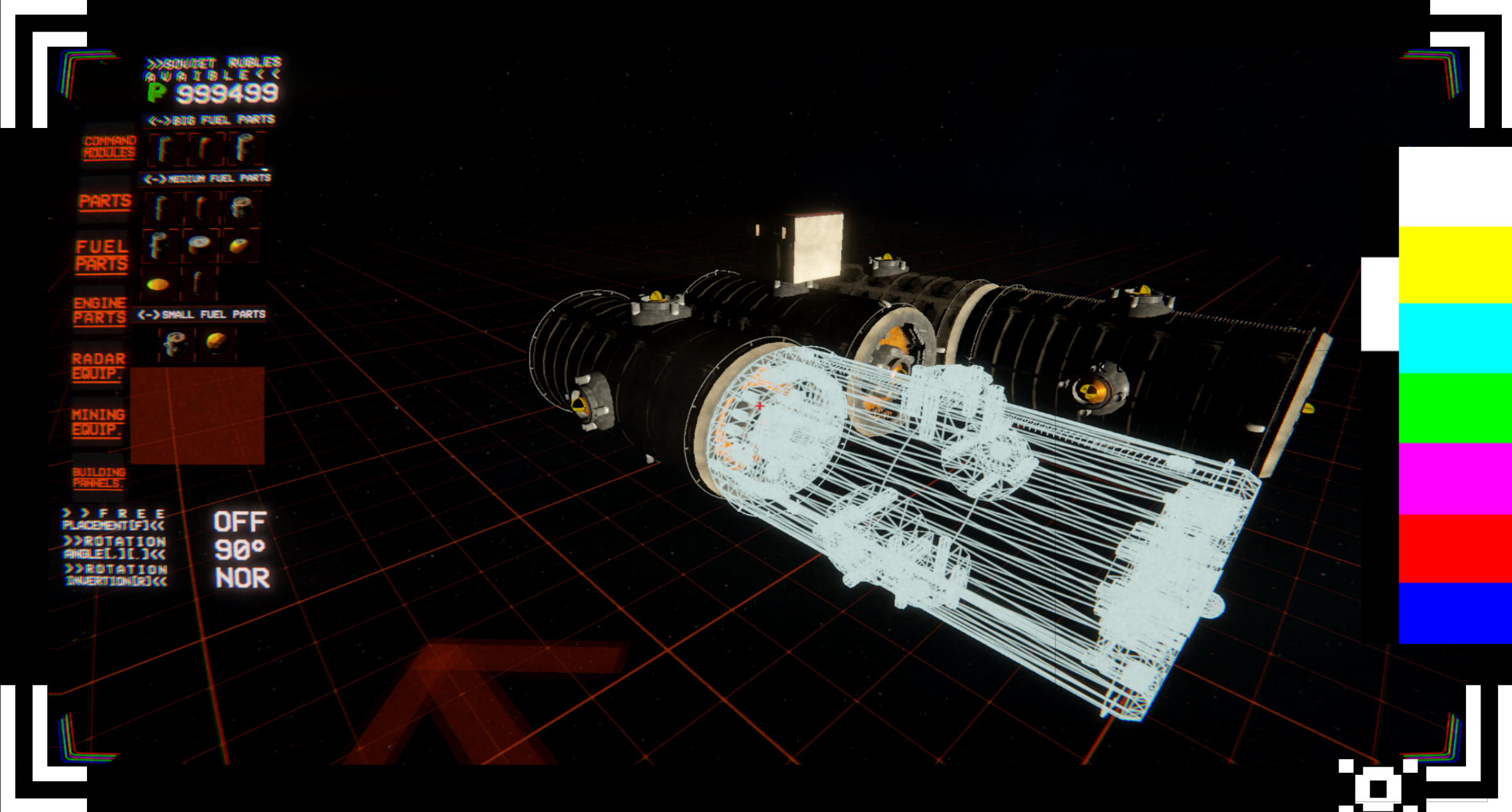
- Modular building system : Snap-to-point and free placement, undo/redo, drag-build, group copy, full hierarchical block nesting.
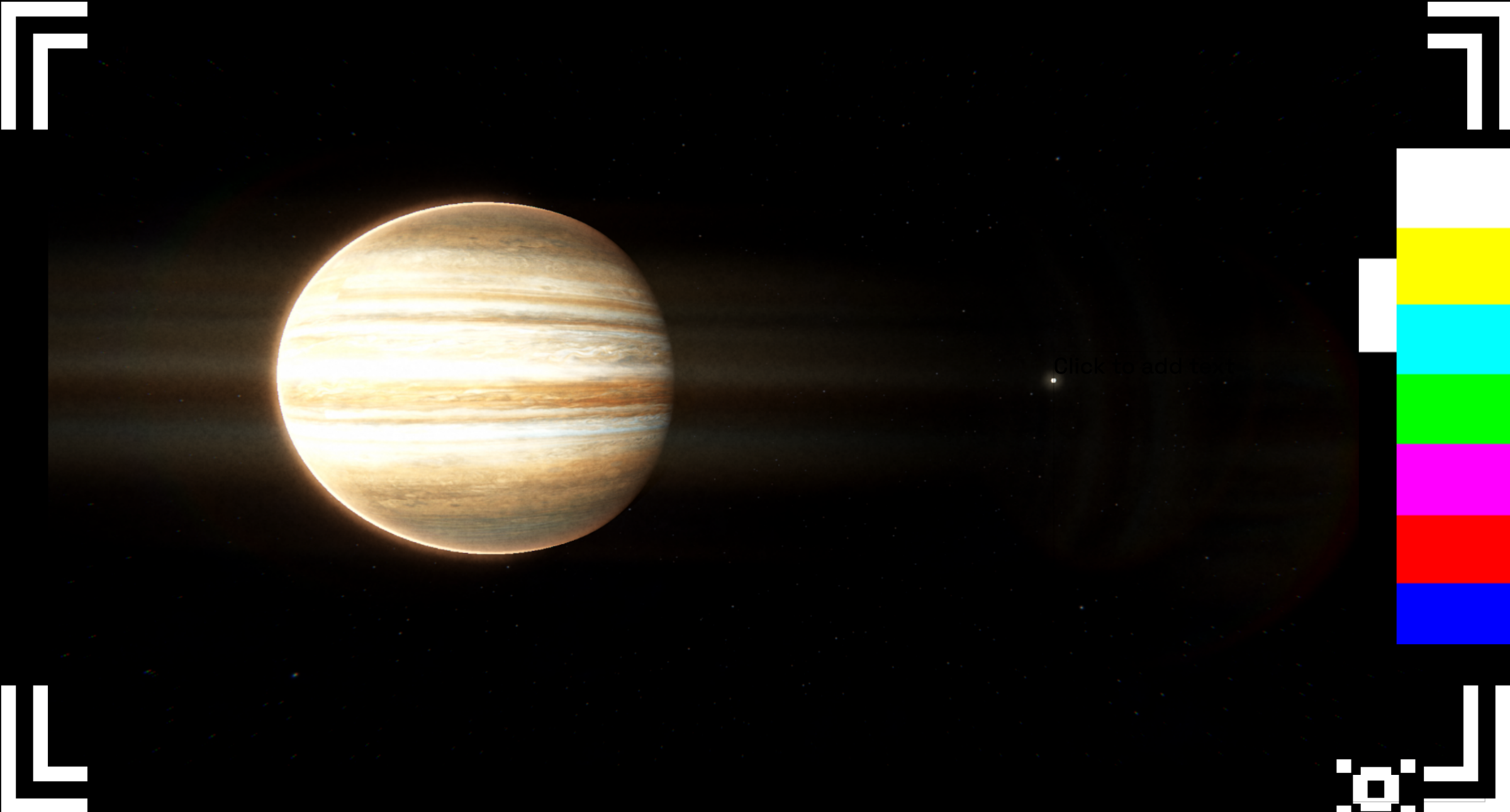
- Living solar system:Planets, moons, and asteroid fields at real orbital scales. Custom floating-origin system keeps precision at astronomical distances.
- Thruster blocks : Thrust force, fuel consumption, and alignment all matter. Misplace a thruster, and you'll spin instead of fly.
- Mining & economy : Mount mining turret blocks on your ship, mine asteroids, sell ore at space stations, and spend credits on new parts.
- Mission system :Exploration and delivery missions at each station. Build station influence to progress the story.
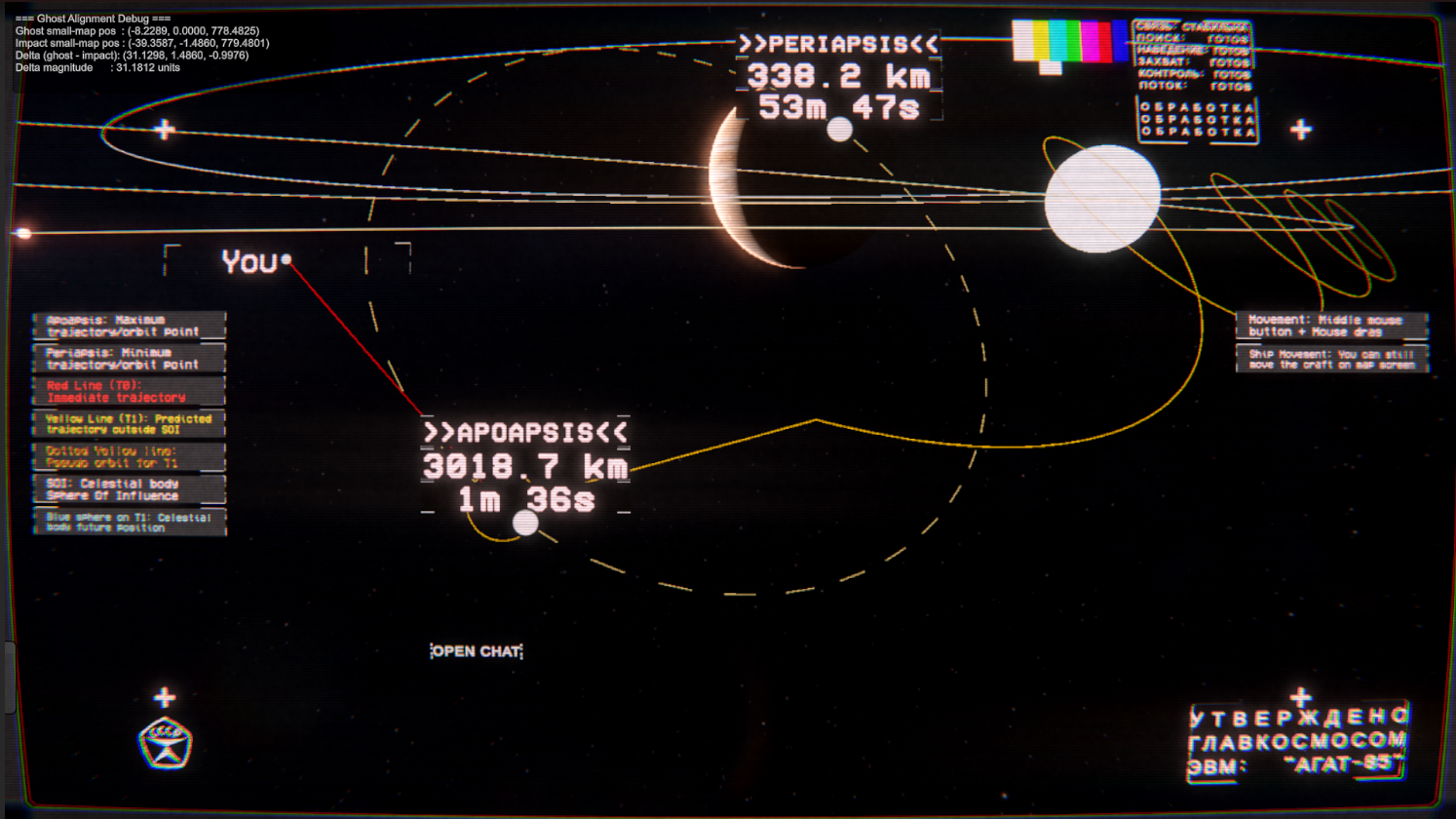
- Trajectory calculator : Visualise your orbital path in real time. See apsis markers. Chain SOI transitions across gravitational bodies.
- Multiplayer co-op (up to 12 players) : Host a room, share a 6-character code. Each player builds and flies their own fully physics-simulated ship in a shared solar system.
- Save & load : Every block, every connection, every position. Your ship is yours to keep.
- Rebindable controls :Almost every key can be reassigned.
╚══════════════════════════════════════════════╝╔══════════════════════════════════════════════╗
Controls
Build Mode
| Action | Default |
|---|---|
| MOUSE UNLOCK (interact with UI) | PRESS ALT ONCE |
| Toggle Build Mode | B |
| Select / Place block | Left Click |
| Grab the placed block | Left-click on the placed block |
| Cycle between block snap points | C |
| Deselect / Cancel | G |
| Undo | Ctrl + Z |
| Redo | Ctrl + Y |
| Rotate block (X AXIS) | X |
| Rotate block (Y AXIS) | Y |
| Rotate block (Z AXIS) | Z |
| Drag-build (place multiple copies) | Hold LMB + Drag mouse |
| Copy block type (picker) | Middle Mouse Button |
| Delete block | V |
| Free placement mode | F |
| Decrease the rotation angle | . |
| Increase the rotation angle | , |
| Mirror mode | M |
| Invert rotation (clockwise or counterclockwise) | R |
| Bring pieces further/closer | Scroll wheel |
Flight Mode
| Action | Default |
|---|---|
| MOUSE UNLOCK (interact with UI) | HOLD ALT |
| Acess station | N |
| Throttle up / down | Mouse Scroll Wheel |
| Free-look camera | Hold C |
| Toggle mining laser | L |
| Scroll throttle sensitivity | [HUD slider] |
| Increase FOV | Home |
| Decrease FOV | End |
| FOV Zoom | RMB |
| Roll | A, D |
| Pitch | W, S |
| Yaw | Q, E |
| Strafe foward/backwards | SHIFT+W, S |
| Strafe up/down | SHIFT+E, Q |
| Strafe left/right | SHIFT+A, D |
| Auto pilot switch | Z |
| Throttle reset | MMB |
Camera
| Action | Default |
|---|---|
| Orbit camera | Press V |
| Chase camera look around | Hold C + Mouse |
| Orbit Camera look around | Hold C + Mouse |
| Bring camera In/Out | Hold C+Mouse Scroll |
| Snap to ship | Release C |
General
| Action | Default |
|---|---|
| Save game | UI button |
| Load game | UI button |
| Toggle map view | M |
| Chat (multiplayer) | Click on the OPEN CHAT box |
| Pause | ESC |
The Story Behind It
╔══════════════════════════════════════════════╗
Cold War Space Program was built by three university students in under six months and hopefully more in the future, not because it was easy, but because it was hard.
In an era that rewards the quick and the simple, we chose rigour. We built real orbital mechanics. We solved floating-point precision at astronomical scales. We implemented multiplayer physics synchronisation across a solar system shared between players.
We chose to build this not because it is easy, but because it is hard, because that challenge is one we are willing to accept, unwilling to postpone, and intend to win.
Every failure in this game is a lesson in physics. Every successful launch is proof that human intelligence, applied with patience and stubbornness, has no ceiling.
╚══════════════════════════════════════════════╝
Known Bug section:
1-On mutiplayer the host map seems to be resseting its camera to 0,0,0 when that is not correct. [FIXED?]✅07/05/2026
2-Prediction sphere (light blue sphere) Is appearing on world and should only be appearing on map. [FIXED]✅07/05/2026
3-When crashing, snap points (yello black spheres) that had a block destroyed, suddenly think they are occupied and dont allow you to snap blocks on it. [FIXED]✅07/05/2026
4-Suttery Hover mode on some machines?
5-When getting out of build mode, there is a chance of a block being vaporized when near planets
6-Player trajectory position on map mode when out of the initial spawn (Like IO) SOI (Sphere of influence) is taking into consideration IO SOI and not the NEW SOI it is within, for example juptier. So trajectory position is wrong[FIXED?]✅07/05/2026
7-Ui markers bug out after one mission?[FIXED]✅ 07/05/2026
8-Save not saving planet position
Future plans:
Just make it a KSP sucessor with everything it has but better.
Download
Install instructions
Download
Extract on a new folder
Run the EXE
Leave a comment
Log in with itch.io to leave a comment.